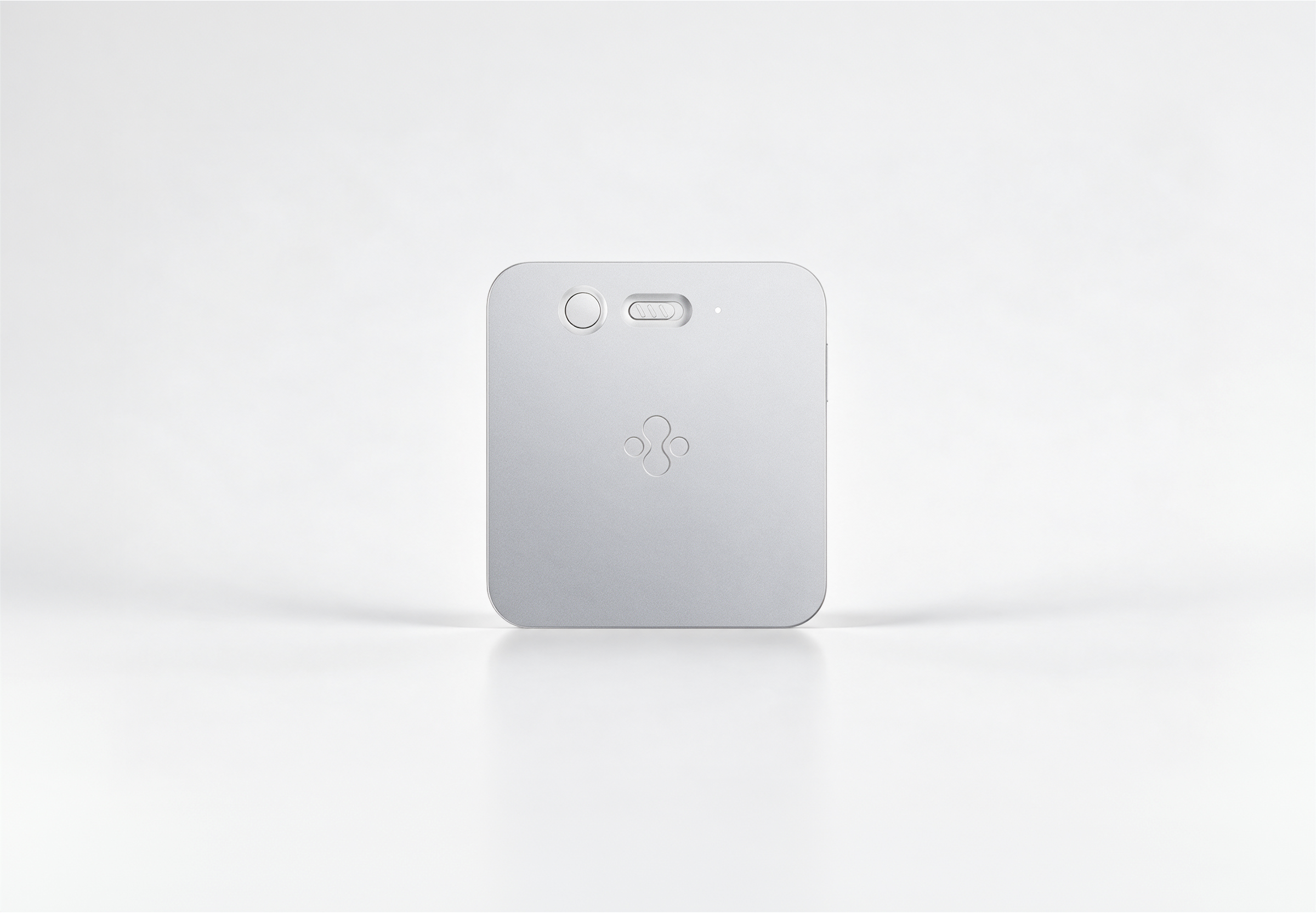
Slate hears it. Jase sorts it.
Meetings, calls, and quick voice notes come back as a clear recap: what was decided, and what happens next.
Jase AI Slate

Send the follow-up. Schedule the meeting. Research that idea.
Turn conversations and instructions into finished work.
How it works
Most recorders hand you a transcript. Jase hands you the next step, ready to go.
Meetings, calls, and quick voice notes come back as a clear recap: what was decided, and what happens next.
Jase catches who promised what and by when, then drafts the follow-up for you to send.
Forgot a detail? Just ask. Jase answers from every conversation you’ve recorded.
From a quick thought on a walk to the meeting that sets your next step.
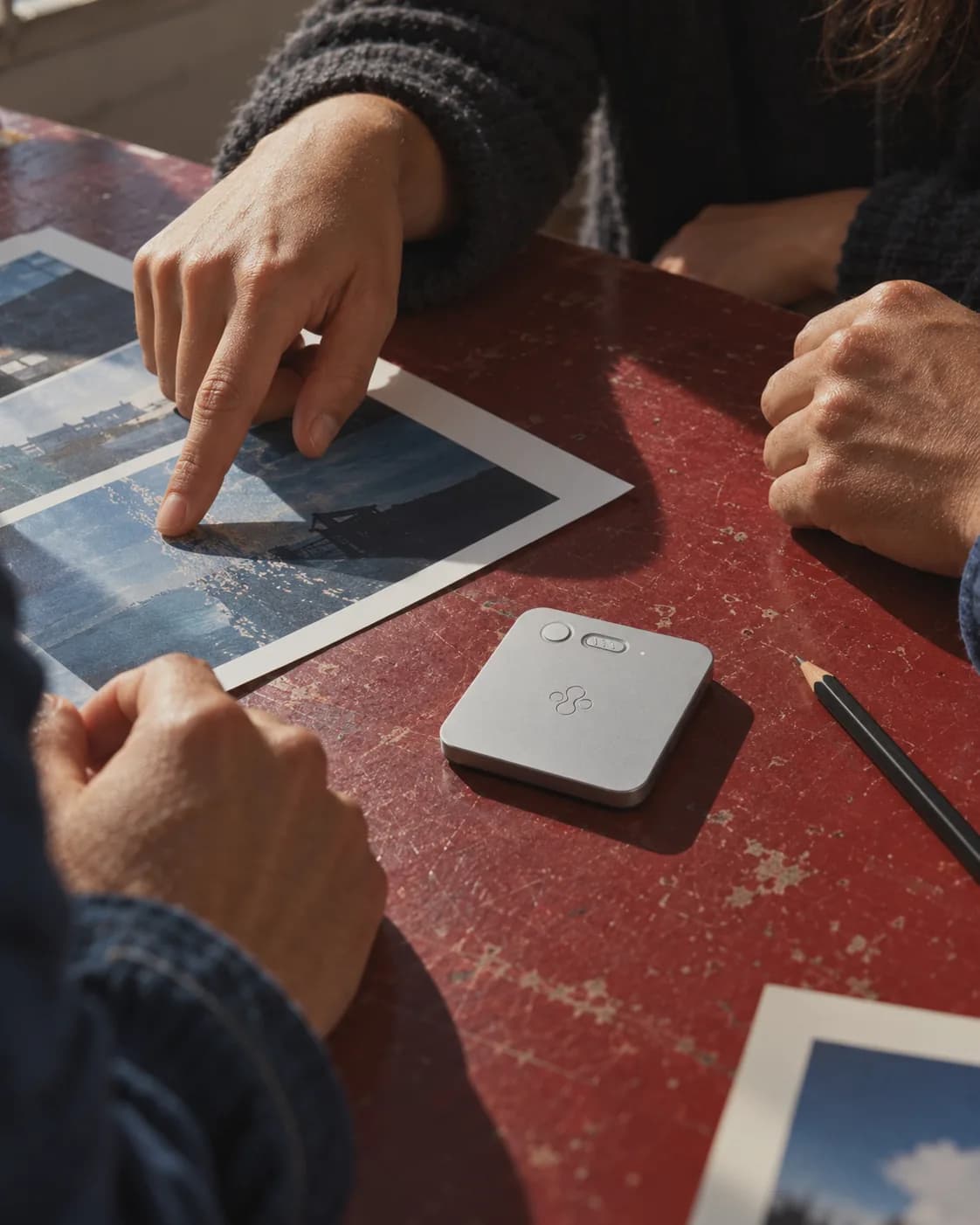
Set it on the table and stay in the discussion. Jase lists the decisions and who owns each next step.
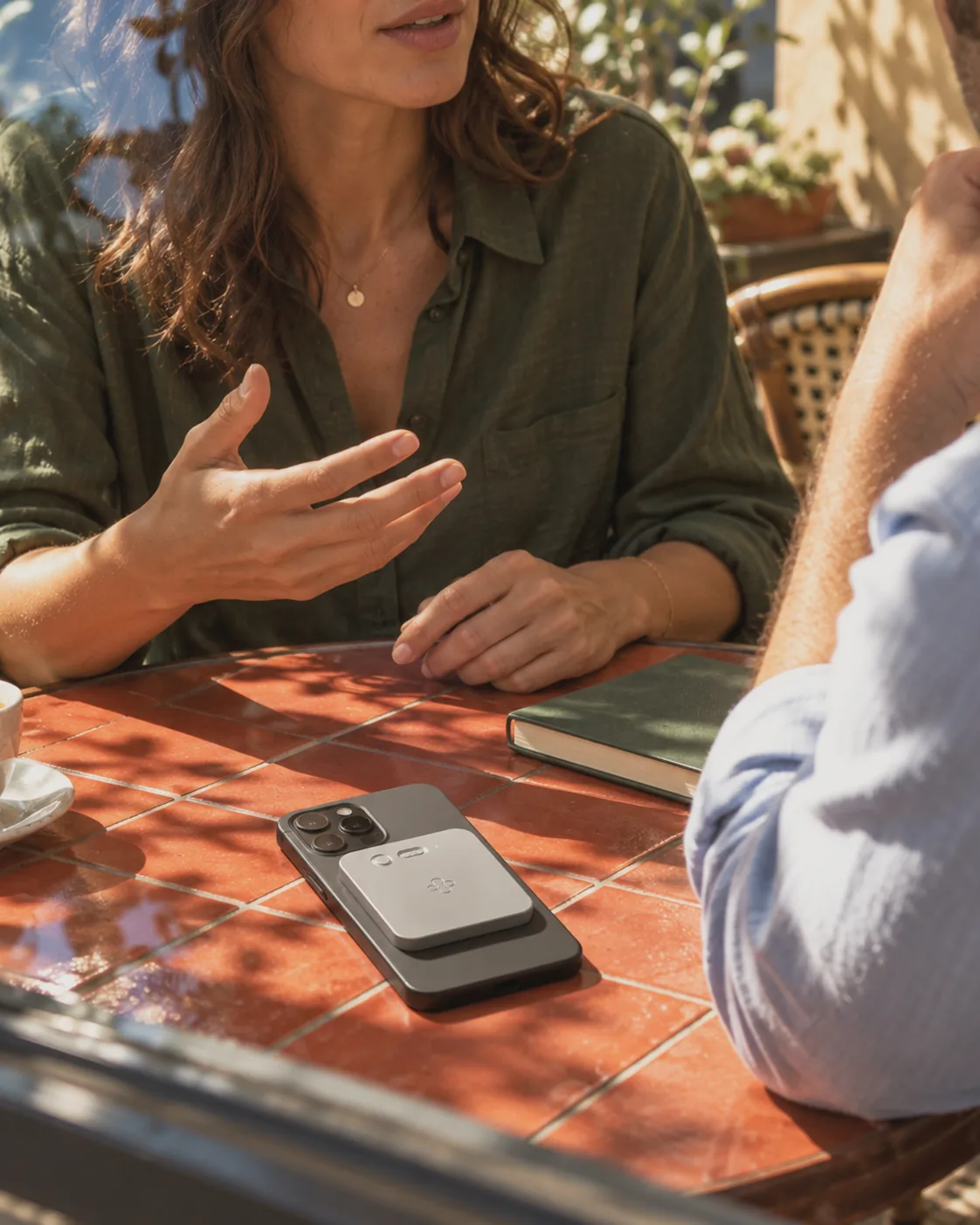
Give the client your full attention. Jase drafts the follow-up with everything you promised.

Say the idea while it’s fresh. Jase turns it into a note or a to-do before the next thing takes over.

Agree on a time in the hallway. Jase puts it on your calendar.
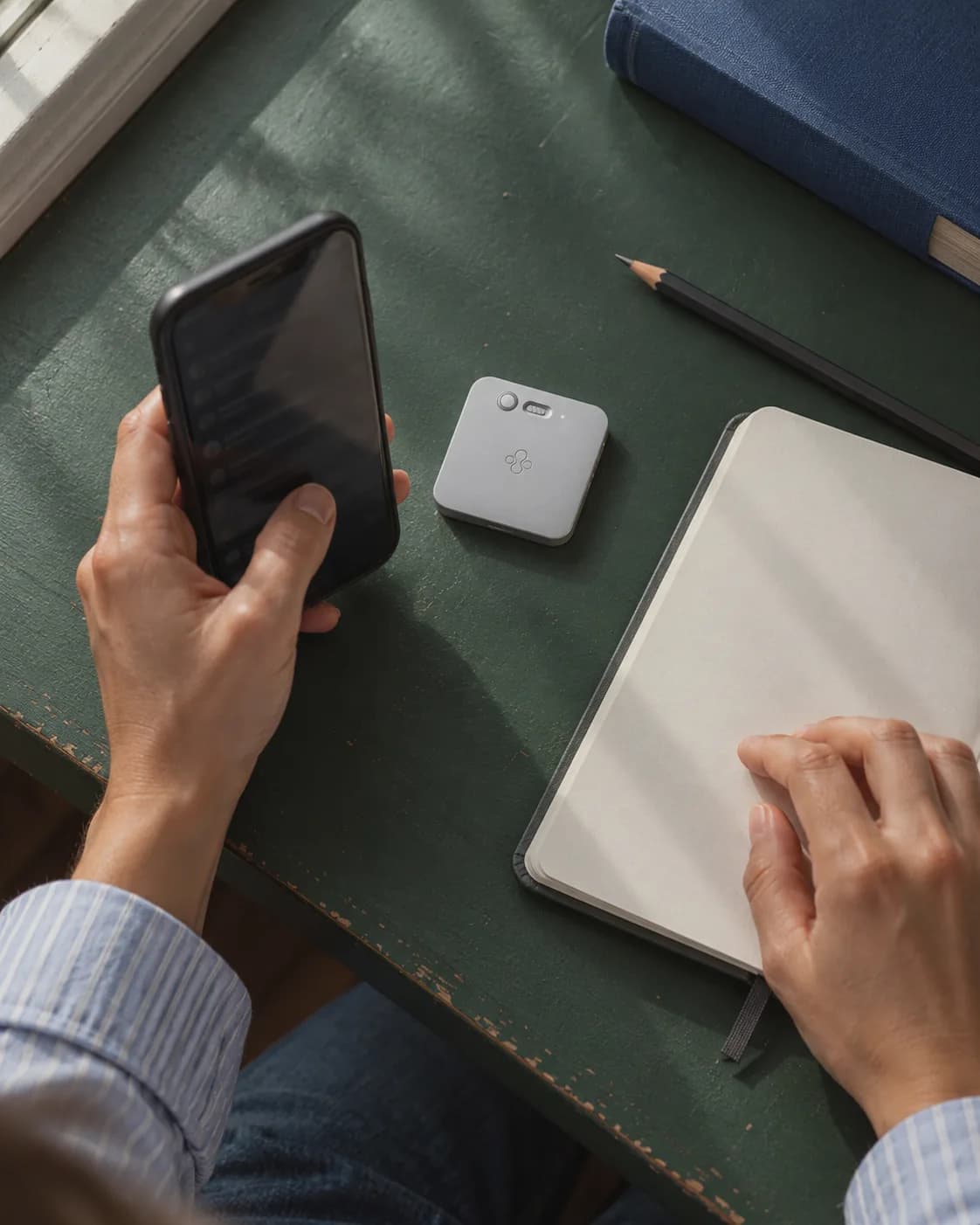
Ask Jase what was agreed and get the answer, not a recording to scrub through.
Jase sends what it hears to the apps you already use.
 AI Slate



Incl. Free Shipping
Press the button, talk as usual. Jase turns the conversation into recaps, to-dos and follow-ups, with no subscription.
Press once. Jase writes the recap, assigns the to-dos and drafts the follow-up.
The Jase app
Some days you need the whole conversation. Others, just the next step. Jase puts both within reach.
Companion app included. No subscription.

Privacy & control
Good notes should start with a choice.
Jase records the moments you decide to keep.
Press the button when there is something you want to keep. You choose which moments become notes.
Let the people in the conversation know, and get their agreement before you start a recording.
Jase AI Slate is made for conversations and ideas, not for tracking your body or your day.
Transcripts, summaries, and action items live in the Jase app on your phone.
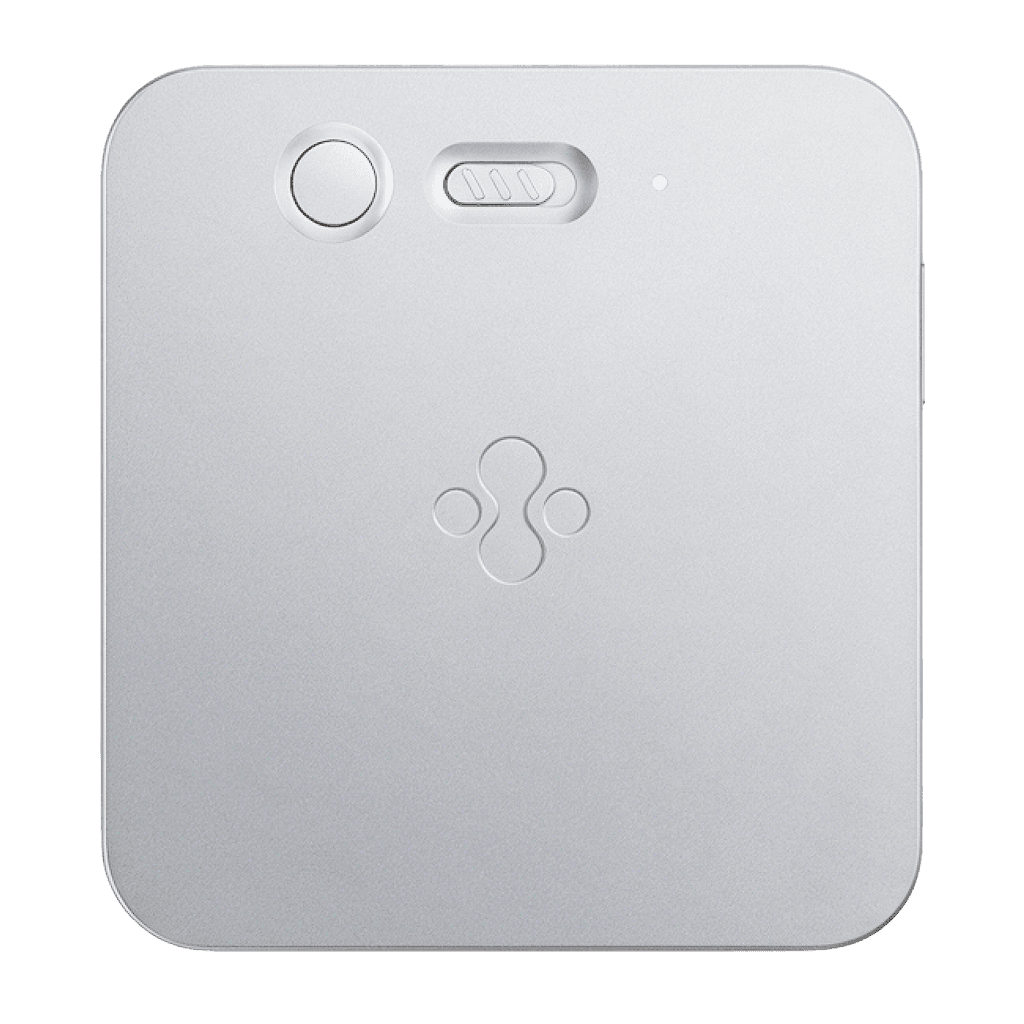
What’s included
A recorder gives you audio. Jase gives you what to do with it: a recap of what was decided, to-dos with owners and dates, calendar events, and follow-ups drafted for you. Later, ask Jase anything about what was said.
No. Slate only records when you press the button. Let the people in the conversation know before you start.
Yes. Slate captures the conversation, and the free Jase app on your phone is where your recaps, to-dos, and answers appear.
No. Transcription and the core features are free to use, with no subscription.
Yes, Slate can record iPhone calls. Let the other person know you’re recording before you start.
You have 100 days after delivery to try Jase. If it isn’t right for you, contact us within that window and we’ll arrange a return and give you your money back.
Yes. Email info@jase-ai.com with how many you need and where they should go, and we’ll help you set up the order.